01 / Distance
Choose how far
you want to go.
3, 5, 10 or 15 kilometres. Your own distance. Or let chance decide.

Running route generator
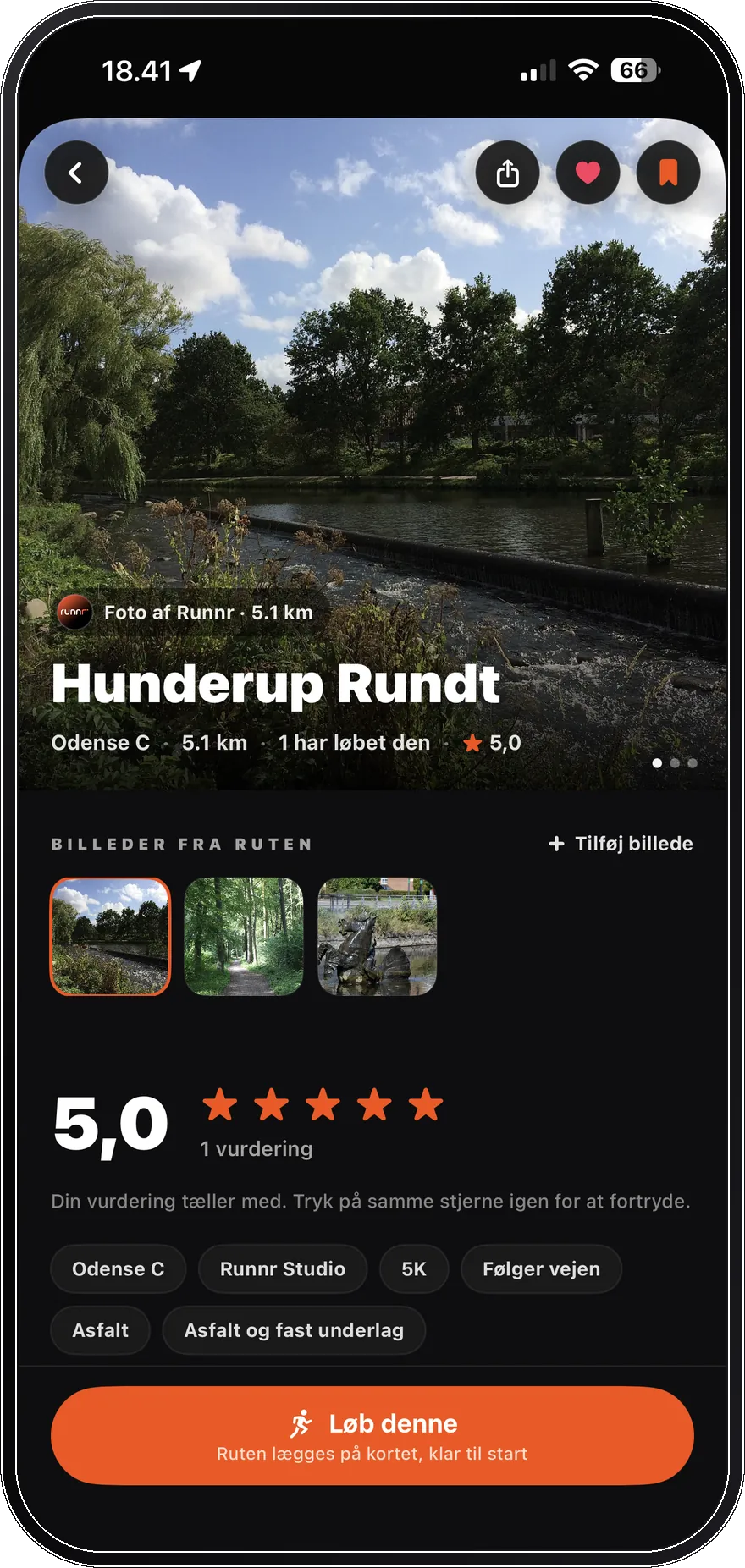
Runnr helps you answer the simple question before every run: where should I run today? Pick a fixed, custom or random distance, choose a route profile, and create a running route from your location.
01 / Distance
3, 5, 10 or 15 kilometres. Your own distance. Or let chance decide.
02 / Ready
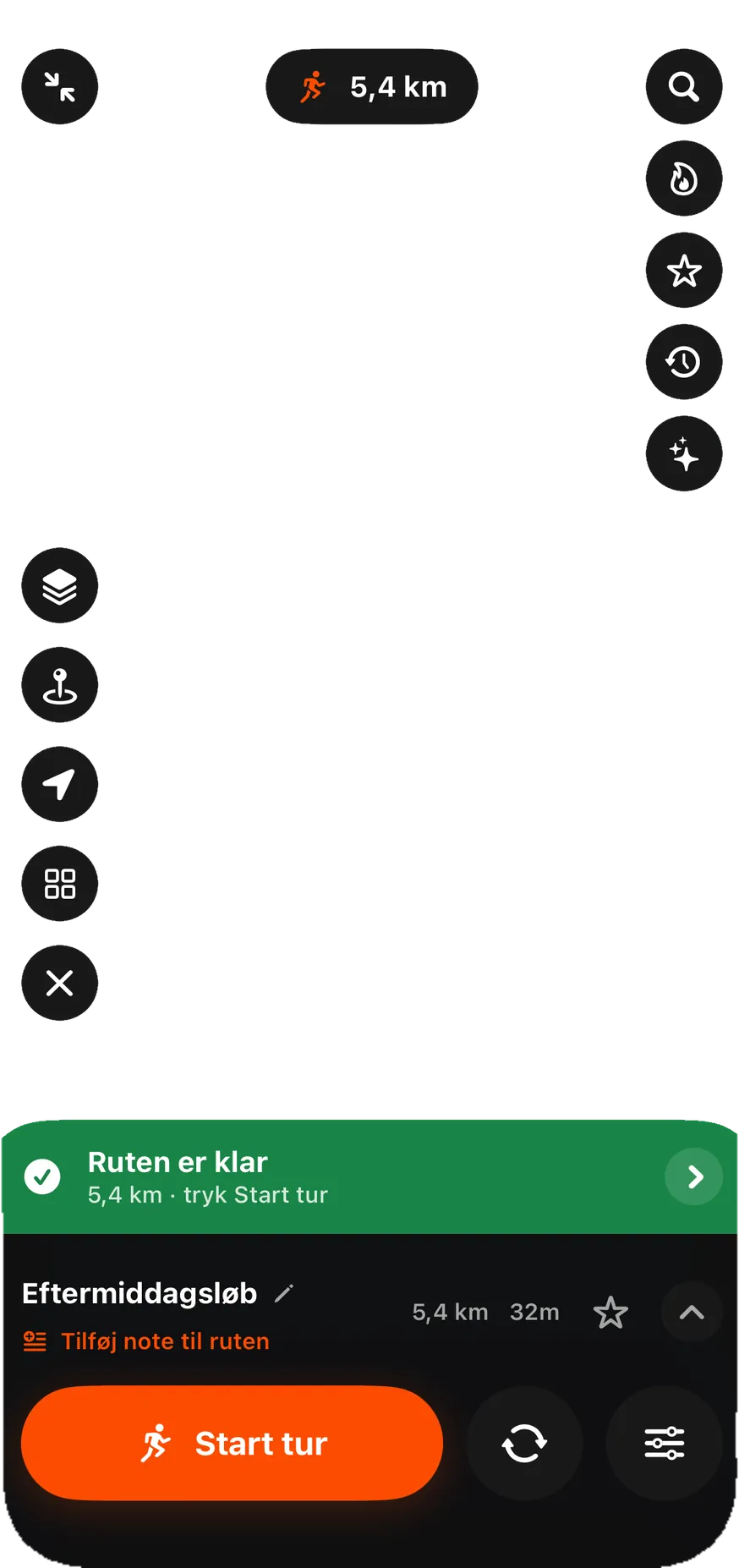
Your 5.4 kilometre loop is ready. One tap and you are on your way.
03 / Start
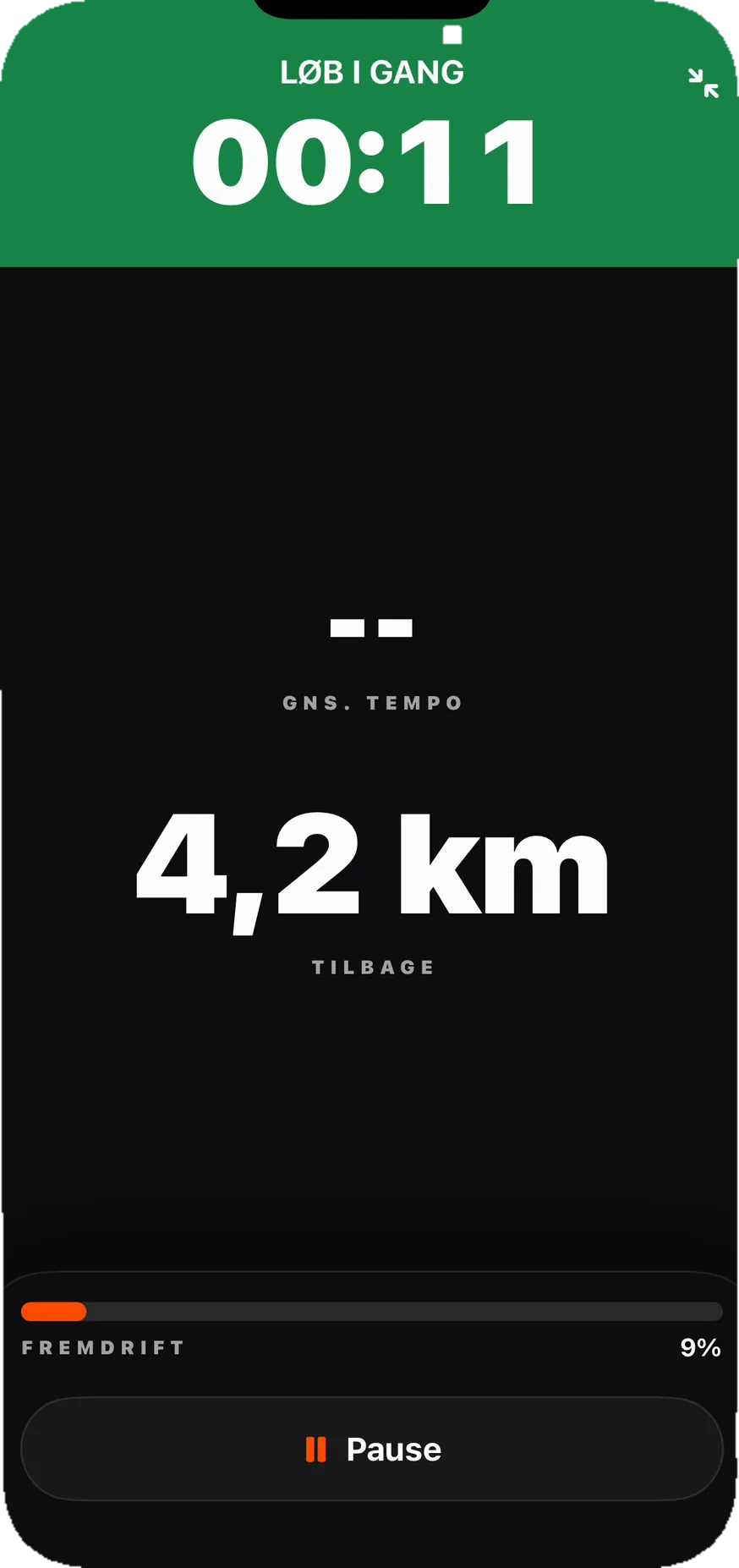
The clock starts, and Runnr switches straight to the view you need while you run.
04 / Navigation
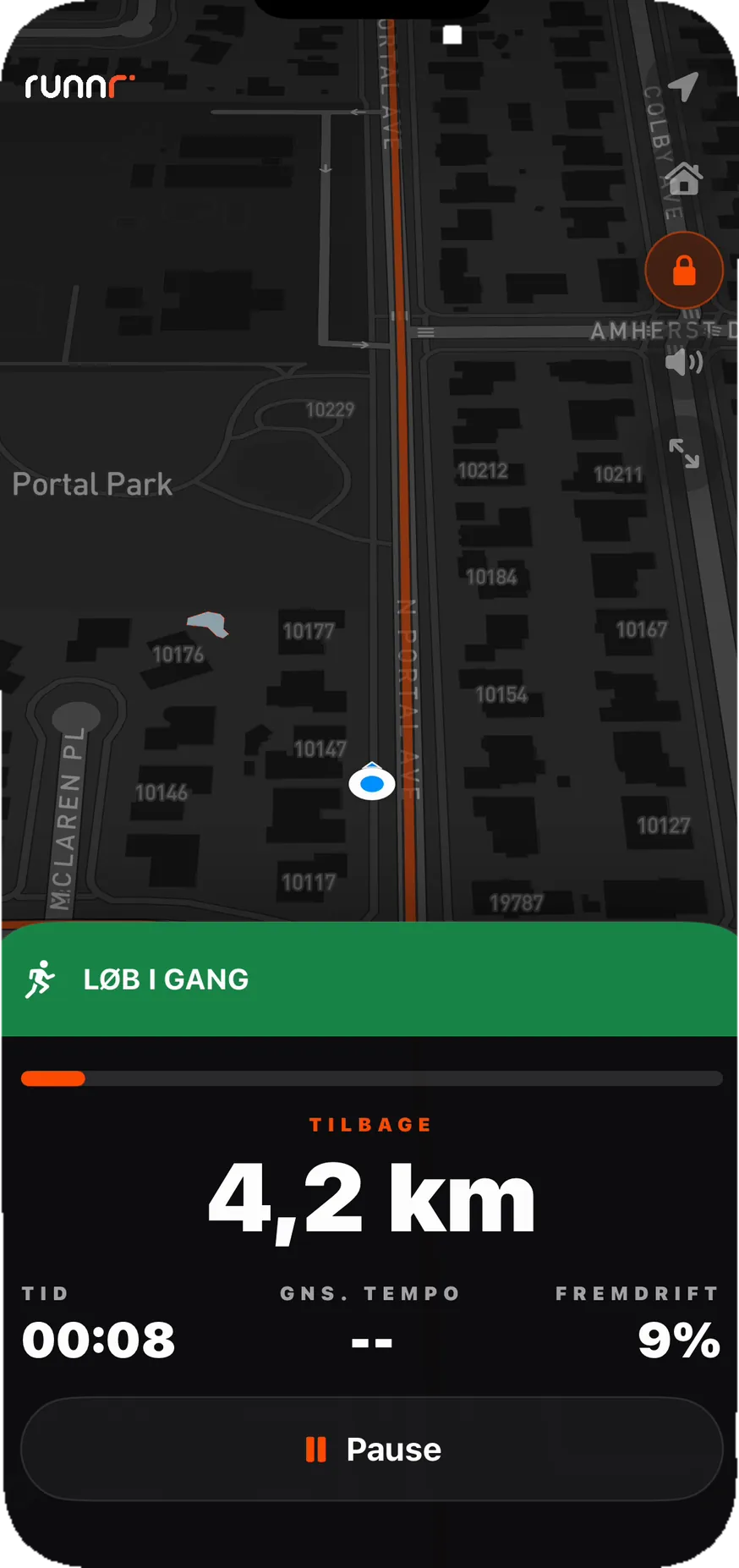
Follow the orange line, hear every turn out loud, and get back on route if you take a detour.

01 / Send the route
Send the route straight from Runnr to the watch you run with.
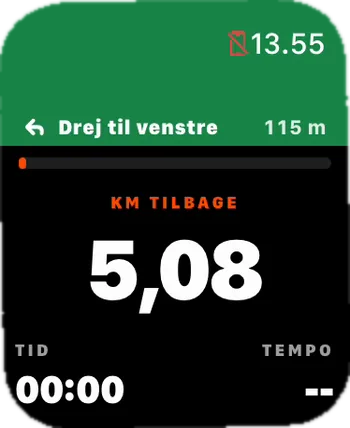
02 / Apple Watch
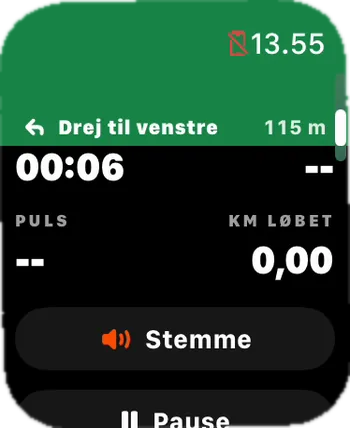
Open the route on Apple Watch, start the run and keep your phone in your pocket.
03 / GPX
Export as GPX and import the route into Garmin Connect, COROS, Suunto and other compatible running watches.
04 / Navigation
See the next turn, the direction and the distance without breaking your rhythm.
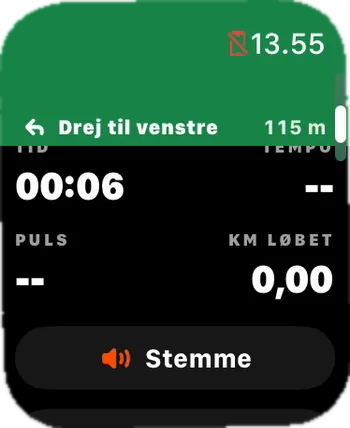
05 / Voice
Voice guidance tells you when to turn, so your eyes can stay on the road.

How it works
Just choose how far you want to run. Runnr starts from your location and finds a connected loop that takes you down new streets and all the way back to the start, without you having to plan a single turn.
Already have an idea for the run? Draw it straight onto the map. Runnr turns your line into a real route along roads and paths, so you decide the shape without having to hit every street exactly.
Vælg de steder, du gerne vil forbi - parken, vandet eller din yndlingsbakke. Drop pointsne i den ønskede rækkefølge, og lad Runnr forbinde dem til én samlet rute, der er klar til at følge.
Say in your own words how far you want to run, which area you want to see and how the run should feel. Runnr turns that into a real loop you can look over and start when you are ready.
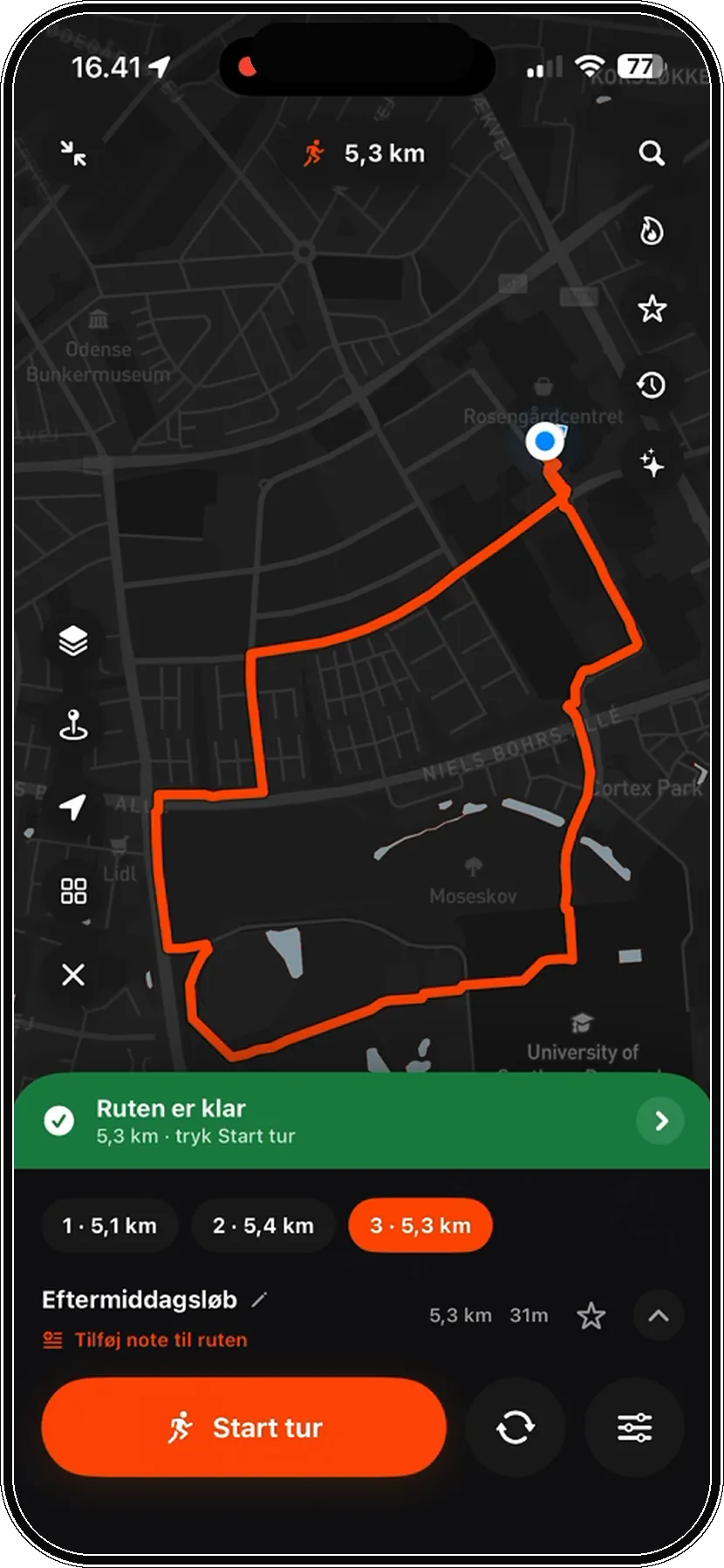
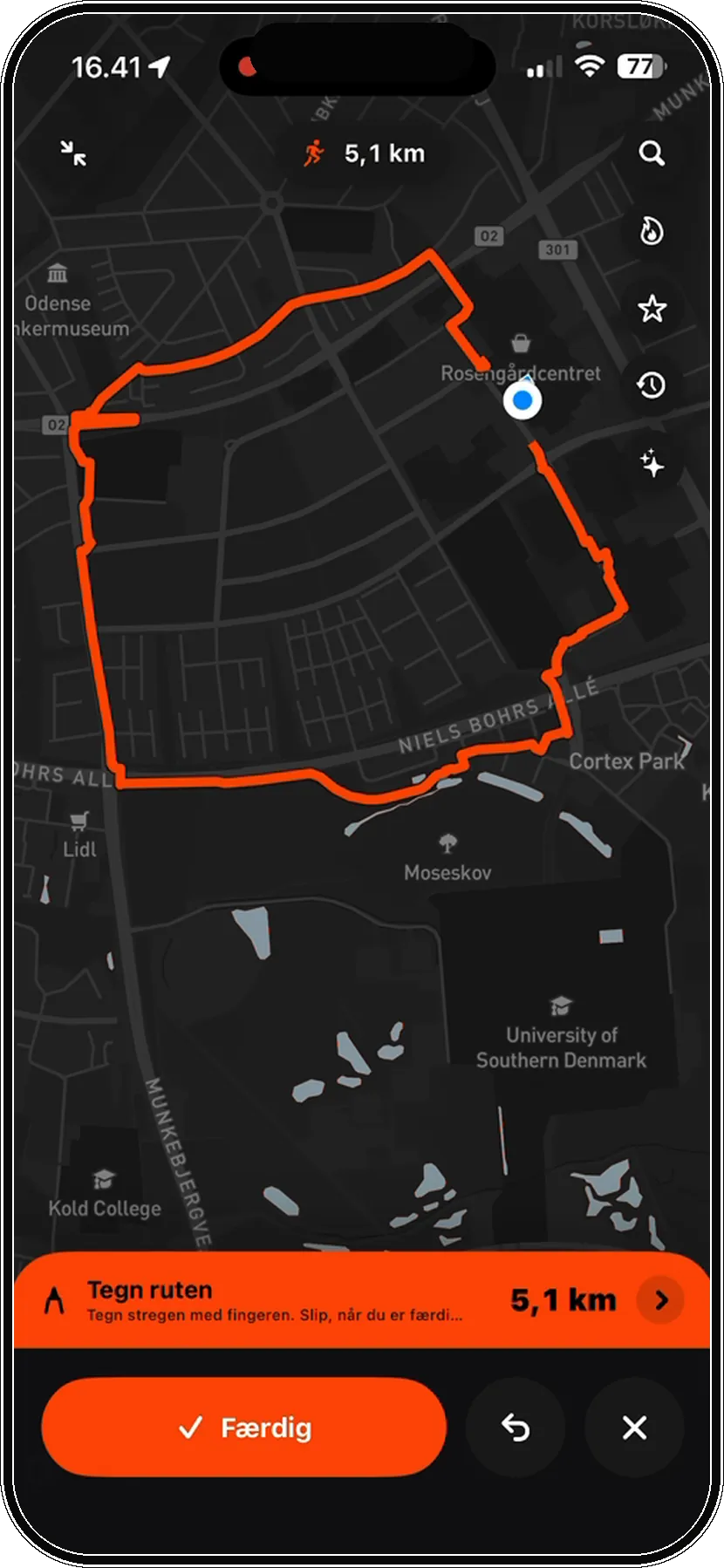
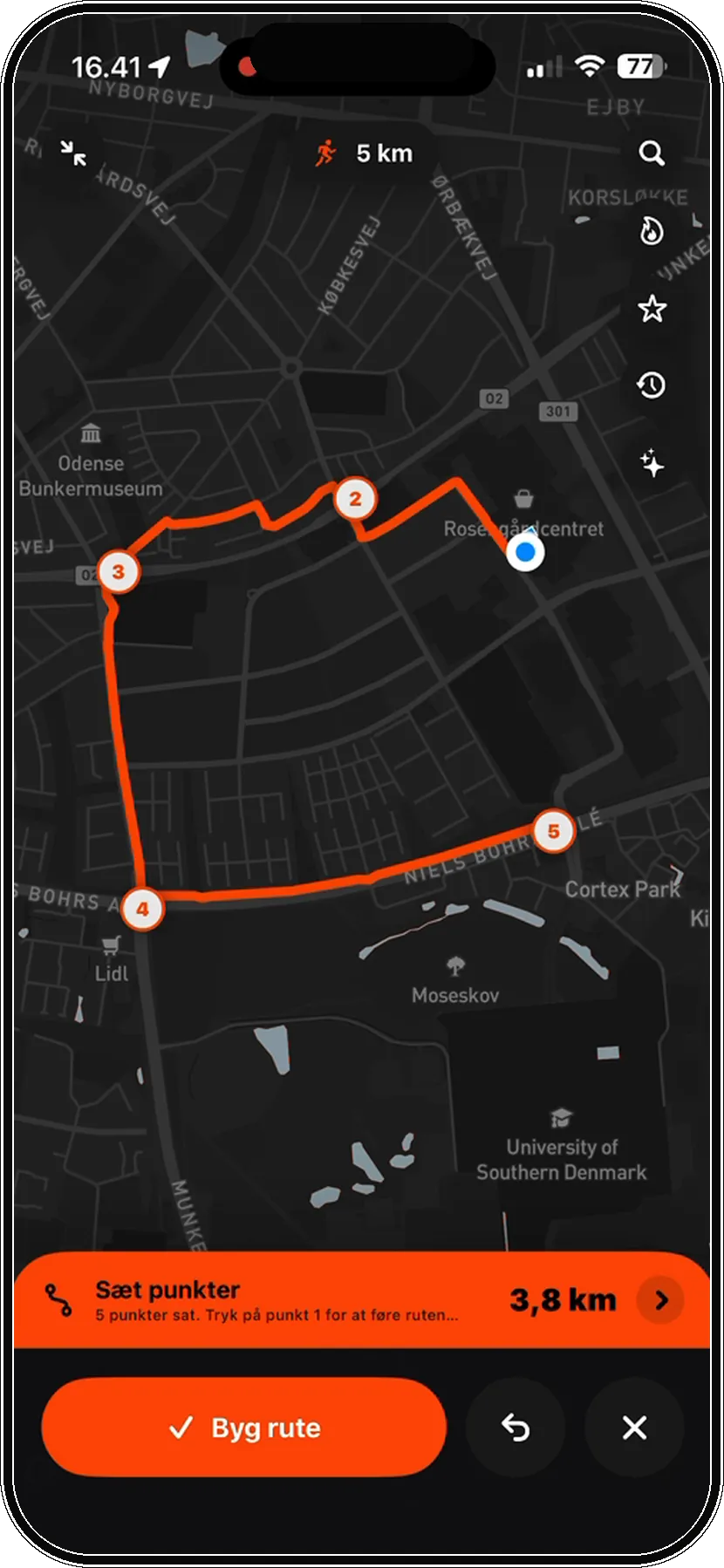
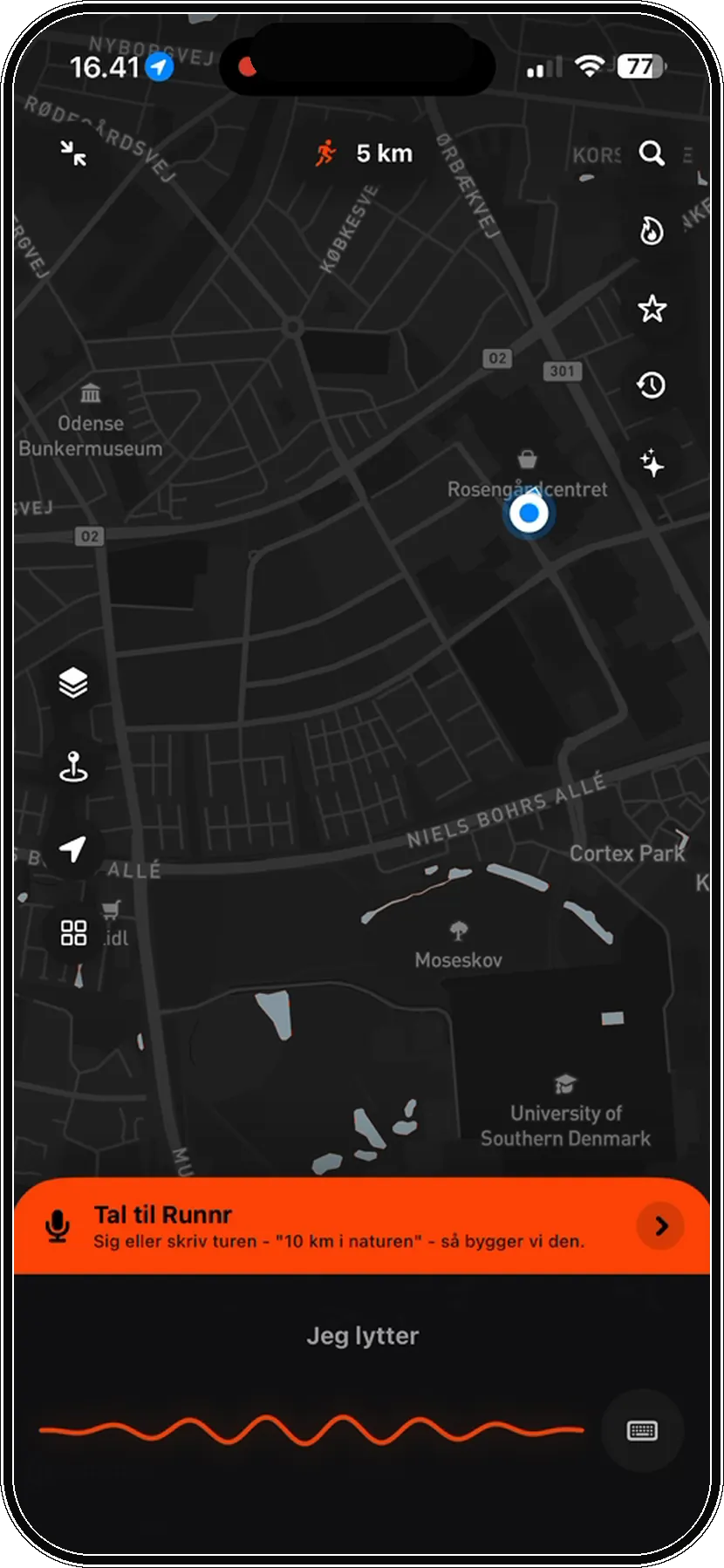
Everything you need. Nothing you do not.
You might be wondering
Choose a distance in Runnr, pick a route profile, and generate a running route from your current location or a chosen starting point.
Yes. Choose a distance, and Runnr generates a running route near you so you can start running without planning first.
Yes. Runnr supports Apple Watch and GPX export, so you can use the running route in the setup you already prefer.

Ready when you are
Pick a distance, generate a route, and get out the door.



Route first, tracking after
Most running apps are great at tracking what you already did. Runnr helps with the step before that: deciding where to run and creating a route you can follow.
Choose a fixed, custom or random distance, pick a route profile, and get a route from your location or a chosen starting point.
The same simple flow as the homepage: pick distance, choose route feel, follow the route.
Choose 3, 5, 10, 15 km, half marathon, custom distance or random distance. Premium unlocks marathon distance.
Use Standard, Green route for paths and parks, or Fewer stops for better flow.
Follow the route with map, voice guidance, Live Activity, Apple Watch or GPX export.
01
Runnr is for the moment when you want to run, but you do not want to draw a route first. You can avoid traffic lights, reduce repeated stretches, turn off loop mode for an open route, or use Surprise me when you want something less predictable.
If you go off route, Runnr can find a way back. If you want to end the loop early, Take me home can create a direct route back to the start.
02
If you search for how to create a running route, you probably do not want another blank map. You want a route that starts where you are, fits the distance you have in mind, and is ready to follow.
Runnr works as a running route planner and route generator. Choose 3K, 5K, 10K, 15K, half marathon, a custom distance or a random distance. Then choose whether you want a standard route, a greener route with more paths and parks, or fewer stops for better rhythm.
The goal is simple: create a running route near you without manually drawing every turn. You can follow the route in the app, use voice guidance, send it to Apple Watch, or export GPX if you prefer another setup.
More ways to find the right route.